Getting a new computer is exciting. However, we have to take a hard look at our budget before we splash a small fortune on new kit. Fortunately, there are several budget-friendly mini PCs that not only offer great value for the price but also deliver impressive performance.
In this guide, we cover some of the best mini PCs for budget-conscious shoppers and discuss what makes them worth considering.
GEEKOM’s Top Budget-Friendly Mini PCs
Best for Performance: GEEKOM A5 Pro
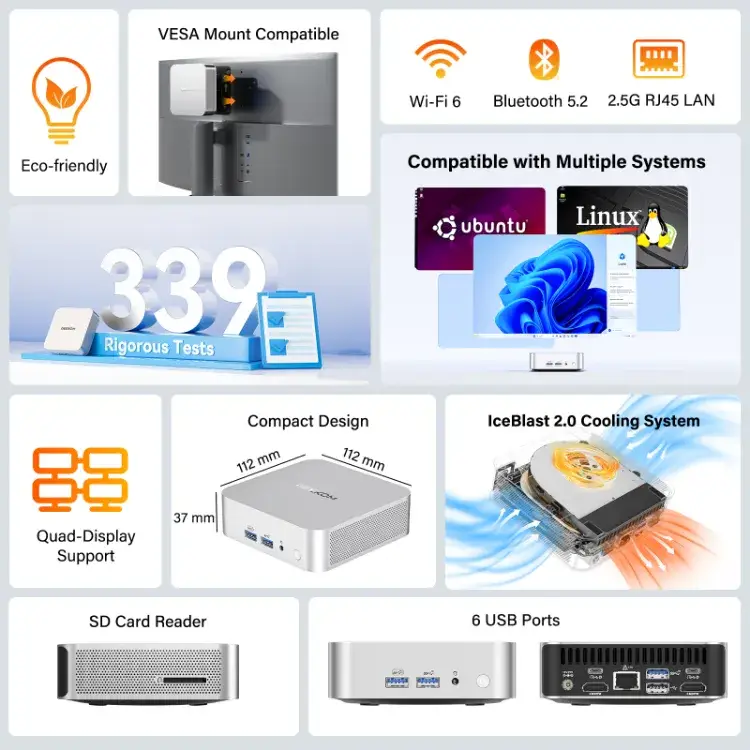
Best for Durability: GEEKOM Mini Air12
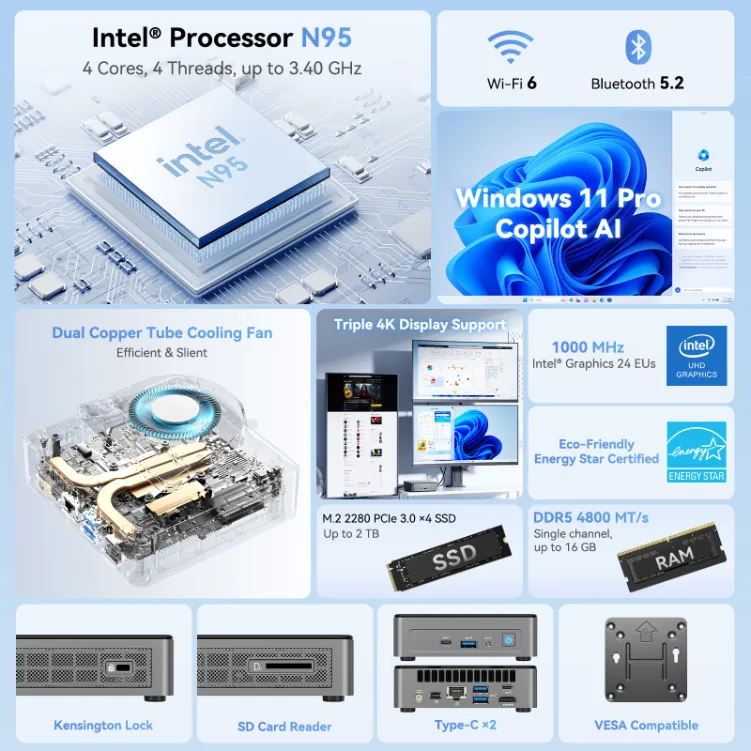
Best for Performance: GEEKOM A5 Pro Mini PC
If you’re on a budget and looking for a solid mini PC that doesn’t break the bank, the GEEKOM A5 Pro is one to consider. It offers two solid CPU choices, excellent graphics for the price, expandable memory up to 64GB, and the potential for 3TB of storage space.
To ensure the solid performance and capabilities of this computer don’t overwhelm it, the GEEKOM A5 Pro features IceBlast 2.0, an efficient cooling system. The IceBlast 2.0 features dual copper heat pipes, solid airflow, a powerful copper heatsink, thermal paste, and high-performance fans to maintain optimal cooling for your computer.
This computer is also well-built, featuring an all-aluminium alloy casing, and is VESA-mount compatible. The A5 Pro also has anti-slip feet to ensure it stays exactly where you want it. Additionally, it features numerous ports to accommodate all your favourite accessories, including headphones, mice, monitors, keyboards, controllers, and more.
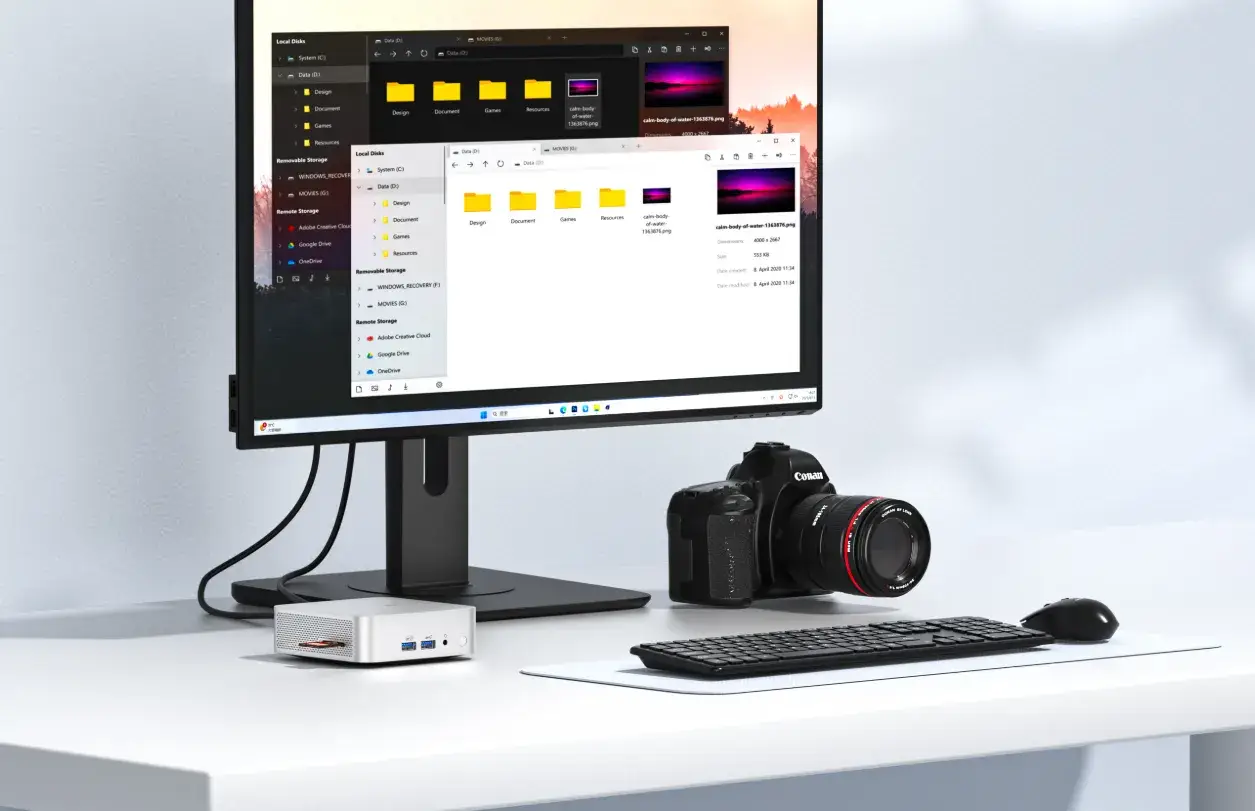
Specifications
- Size: 117 × 112 × 38.6mm
- CPU: AMD Ryzen™ 7 5825U or AMD Ryzen™ 5 7430U
- GPU: Radeon™ Vega 7 Graphics
- Memory: Dual-channel DDR4 SODIMM, up to 64GB
- Storage: 1 x M.2 2280 PCle Gen3*4 SSD up to 2TB and 1 x M.2 2242 SATAII SSD, up to 1TB
Pros
- Two CPU options to choose from
- Efficient cooling system
- Large amount of storage space
Cons
- Not quite as budget-friendly as some other options
Best for Durability: GEEKOM Mini Air12 Mini PC
If your primary concern is durability and longevity when searching for an affordable mini PC, the GEEKOM Mini Air12 may be the ideal choice for you. It has a full-metal structure, a transparent resin coating to protect the outer casing, and an innovative PC+ABS top cover and outer frame for even more hardiness.
This computer also supports up to 200kg (440lbs) of pressure resistance to keep it safe during drops or other heavy impacts. It also features anti-loss screws, has undergone numerous durability tests, and includes shock-absorbing rubber feet that keep the PC in place.
In addition to the protection it offers, the Mini Air12 boasts solid specs for the price. It’s capable of handling creative projects, light gaming, work, and more, while delivering solid visuals and energy-efficient performance.
The Mini Air12 also features a cooling system and is highly versatile, thanks to the numerous ports and connections it offers.
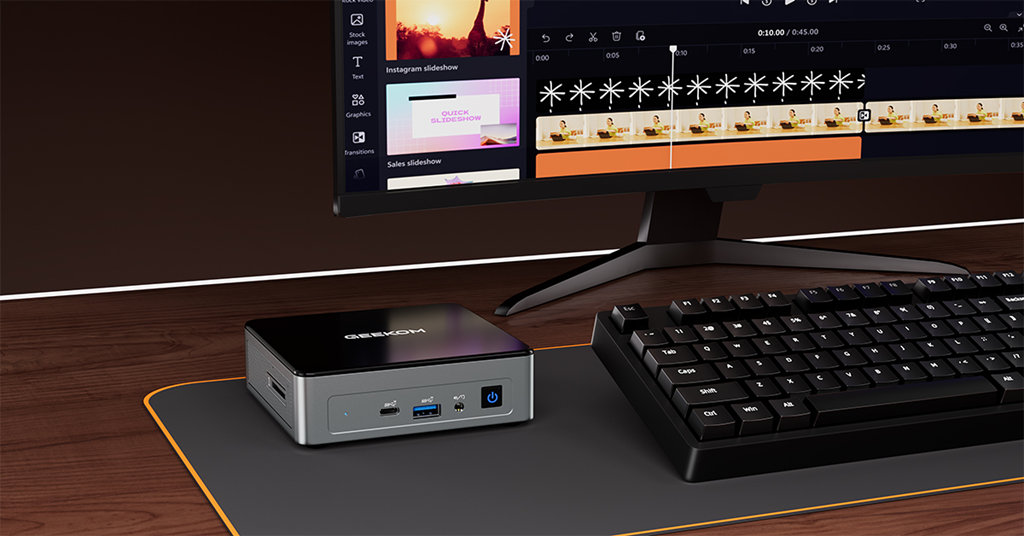
Specifications
- Size: 135.5 × 115.5 × 34.5mm
- CPU: Intel Twin Lake N150 or Alder Lake N100
- GPU: Intel UHD Graphics
- Memory: High-Speed DDR4 RAM, up to 16GB
- Storage: 1 x M.2 2280 PCIe Gen 3 NVMe or SATA SSD, up to 1TB
Pros
- Solid performance for the price
- Military-grade protection
- Powerful compatibility and versatility
Cons
- Less storage space than some other options
What to Consider When Choosing a Mini PC on a Budget
When you’re searching for a mini computer on a budget, here are the most important factors to consider.
GEEKOM Budget Mini PCs Combine Durability With Value
Finding an affordable mini PC doesn’t have to be a headache, but you need to ensure you do your research to choose one with the specs, features, and ports that you need. Thankfully, there are plenty of mini PC options from GEEKOM, such as the Mini Air12, that allow you to spend less without sacrificing quality, features, durability, or performance.
Click and Read More about: Best Budget Mini PC: GEEKOM Mini Air12 Lite
Frequently Asked Questions
Is a Mini PC as Good as a Normal PC?
While it depends on the specific one you choose, many mini PCs are just as good as traditional PCs in terms of performance, connectivity, and features. The “right” PC for you depends on your needs, what you’ll use it for, your budget, and your personal preferences.
How to Pick the Right Mini PC?
To pick the right one, you need to think about how much you want to spend, the specs you need, the type (and amount) of ports it has, the cooling features it offers, and how upgradeable the PC is.
Are Mini PCs More Affordable?
Yes, they’re generally more affordable than their full-size counterparts. In addition to being cheaper upfront, they also feature low-power components that make them energy-efficient over time.