Introduction
Headphone jacks are essential connectors for linking audio devices like headphones, microphones, and speakers to various systems. Whether it’s a 3.5mm or 6.35mm jack, these versatile connectors allow sound input and output in everything from mobile devices to professional audio equipment.
In this article, we’ll explore the different types of headphone jacks and how you can integrate them into your GEEKOM mini PC for enhanced audio performance.
What are Audio Jacks and Headphone Plugs?
Audio jacks and headphone plugs are essential components in the world of audio equipment, enabling the seamless transmission of audio signals between devices. An audio jack is a port that receives a headphone plug, allowing users to connect their headphones or earbuds to a device and enjoy high-quality audio. The headphone plug, on the other hand, is the male connector that inserts into the audio jack, establishing a secure connection for audio signal transmission.
These components are ubiquitous in various audio devices, from mobile phones and laptops to professional audio equipment. The audio jack ensures that the audio signals are transmitted accurately, providing a reliable connection for both analog and digital audio signals. Whether you’re using wired headphones or connecting to an audio mixer, the headphone plug and audio jack work together to deliver clear and uninterrupted sound.
History and Evolution of the Jack Plug
The 6.35 mm jack, a common audio connector, was first used in 1878 for telephone switchboards.
The 3.5 mm plug is a smaller, portable version of the 6.35 mm plug. It was initially designed for telephone switchboards. It was later popularised by transistor radios and devices such as the Sony Walkman.
Evolutions and Standards (3.5 mm, 6.35 mm)
Generally speaking, a jack plug is used to connect several audio devices, including guitars, keyboards, loudspeakers etc. The 6.35 mm has evolved into different sizes and configurations, like the 3.5 mm for portable devices. To connect a device with a microphone, you need to use standard 3.5 mm audio sockets. In TRRS plug configurations, an additional conductor is used to transmit the mic signal, which is essential for devices like smartphones and gaming consoles. Then you need separate sockets for audio output and audio input.
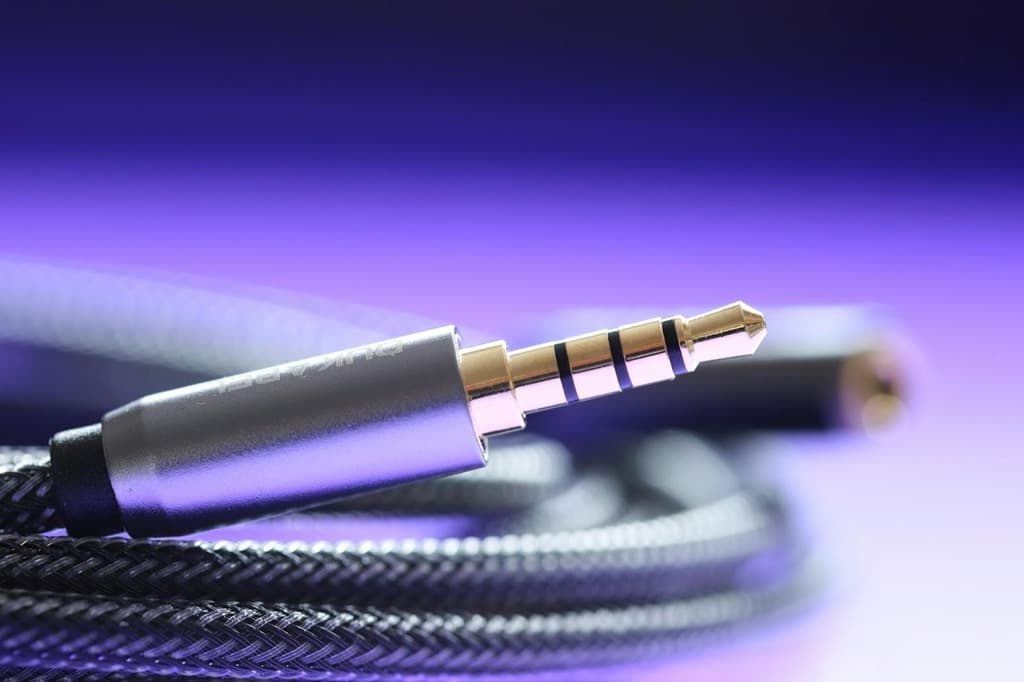
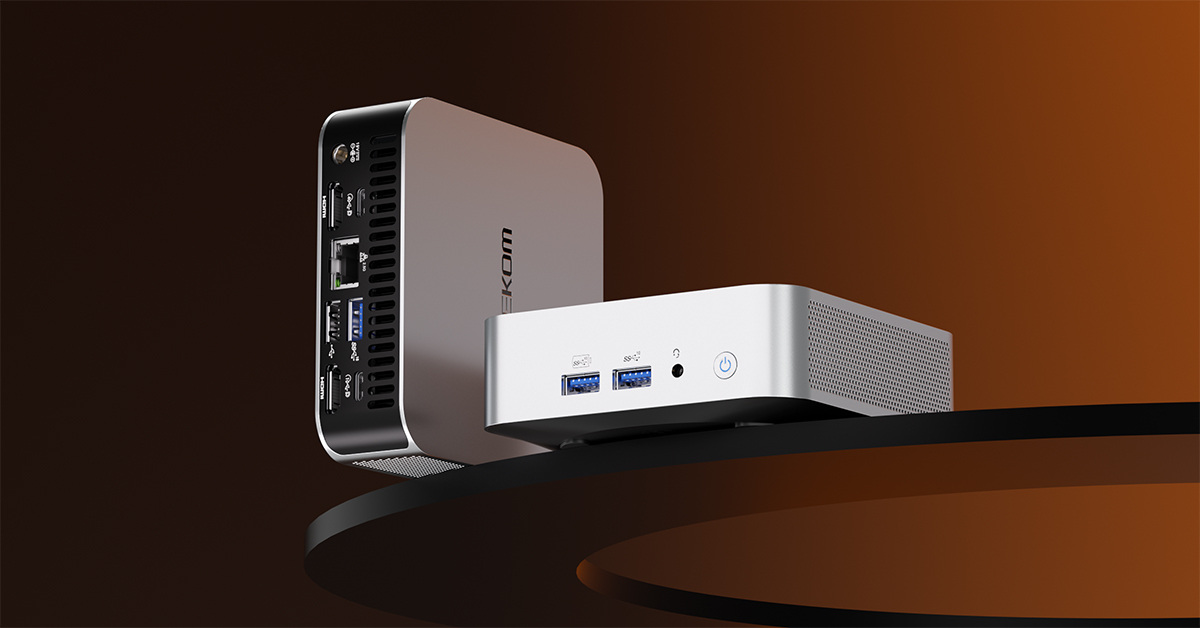
In addition, for audio on a mini PC, you can opt for a combined socket that supports both. Some devices have a single 3.5 mm socket that supports both audio output and microphone input. This is a TRRS (tip-ring-ring-sleeve) or 4-pin socket.
Transition to Wireless Technologies from Wired Headphones
Using a wireless jack (Bluetooth adapter) enables wireless audio and device connectivity. This offers convenience and flexibility but can also introduce potential problems. These can include degradation of sound quality, latency and interference with other wireless devices.
For audio on a mini PC, wired connections (3.5 mm sockets) generally offer lower latency. In this case, signal quality is more consistent and sound quality better than wireless options. On the other hand, wireless offers convenience and the absence of cables.
Types of Jack Sockets
Jack plugs, often 3.5 mm, are the universal standard for connecting audio devices. This simplifies the process and guarantees compatibility. Alternatively, for professional and music applications, the 6.35 mm is known for its robustness and reliability.
3.5 mm headphone jack plug
Mono (TS) 3.5 mm jacks have two contact points and are used for single-channel audio. On the other hand, 3.5 mm stereo (TRS) jacks have three contact points for two-channel audio, with each ring conductor supporting an additional audio channel.
Advantages:
- Jack sockets are a widely used standard, ensuring compatibility with a wide range of audio devices.
- The plugs are simple to use, requiring no special drivers or software. This makes them easy to connect and use.
- Headphones and other audio devices with headphone jacks are generally more affordable than those with digital connections such as USB-C or Bluetooth.
- The jacks use the device’s internal sound card for analogue audio. So, there’s no need for a separate digital-to-analog converter (DAC).
Disadvantages
- The analogue nature of jack connections can be susceptible to interference from other devices or electromagnetic fields.
- With the rise of USB-C ports, jacks don’t allow you to charge and listen to music simultaneously.
- Jack cables can be bulky and prone to tangles, especially with multiple devices.
- Analog audio signals can be susceptible to noise and interference. In short, this can affect audio quality.
6.35 mm jack socket
This jack is commonly used to connect headphones and speakers – basically, music equipment. These include mixers, amplifiers, effects units and guitar or bass equipment.
Compared to 3.5 mm, it is a standard connector for professional audio equipment.
Modern combo and alternative jacks
The combo connector (XLR/TRS/P10/phone) is a versatile audio input or output connector. It combines an XLR and a 6.35 mm (TRS) jack plug in a single housing. As a result, it offers great flexibility for different audio configurations.
Components of Audio Jacks and Headphone Jacks
Audio jacks and headphone plugs consist of several key components that work together to facilitate audio signal transmission. The audio jack typically features a female connector with a socket, while the headphone plug has a male connector with a tip, ring, and sleeve (TRS) configuration. The tip and ring contacts are responsible for transmitting the left and right audio channels, respectively, while the sleeve serves as a common ground reference voltage or return current for the signals.
The headphone plug also features insulation bands that separate the conductors, ensuring that the audio signals are transmitted cleanly and without interference. The number of conductors on the headphone plug can vary, with common configurations including two, three, or four conductors. The size and shape of the audio jack and headphone plug also play a crucial role in ensuring a secure and reliable connection.
These components are designed to provide a stable and high-quality audio output, whether you’re listening to music on your stereo headphones or using professional audio equipment. By understanding the components and their functions, users can better appreciate the technology behind their audio devices.
Using a USB-C to Headphone Jack Adapter with the GEEKOM AIR12
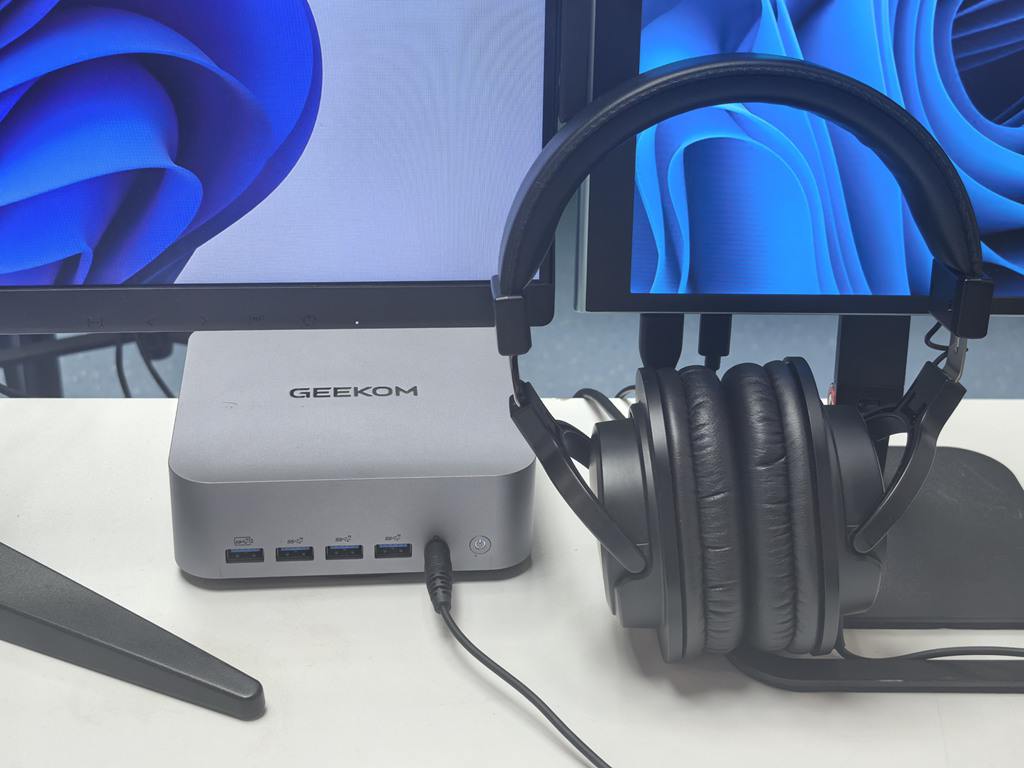
If you are using our product, the GEEKOMAIR12 mini PC, you are in the right place. The GEEKOM AIR12 mini PC comes equipped with a dedicated 3.5mm audio port. The versatile USBC ports on this Small Form Factor (SFF) PC offer even more flexibility for your audio setup. Whether you’re a professional using high-fidelity studio headphones or simply need an extra output for your speakers, a USB-C to headphone jack adapter (often called a “dongle”) is a must-have accessory.
Why use a USB-C adapter on your Mini PC?
- Superior Sound Quality: Many USB-C to 3.5mm adapters feature built-in DAC (Digital-to-Analogue Converter) chips that can provide cleaner, high-resolution audio compared to standard integrated ports.
- Dual Audio Output: By using the USB-C port, you can output audio to two different devices simultaneously—perfect for monitoring a bet app stream on one headset while keeping system alerts on another.
- Plug and Play Convenience: The AIR12’s high-speed USB-C ports ensure zero-latency audio, which is crucial for video conferencing or watching live sports.
Whether you’re setting up a minimalist home office in the UK or a complex multi-monitor workstation, leveraging the USB-C to headphone jack capability ensures your audio experience is as compact and efficient as your PC.
So, these jacks adapt to new device technologies and features.

But choose the Right Headphone Jack Adapter for Your Mini PC
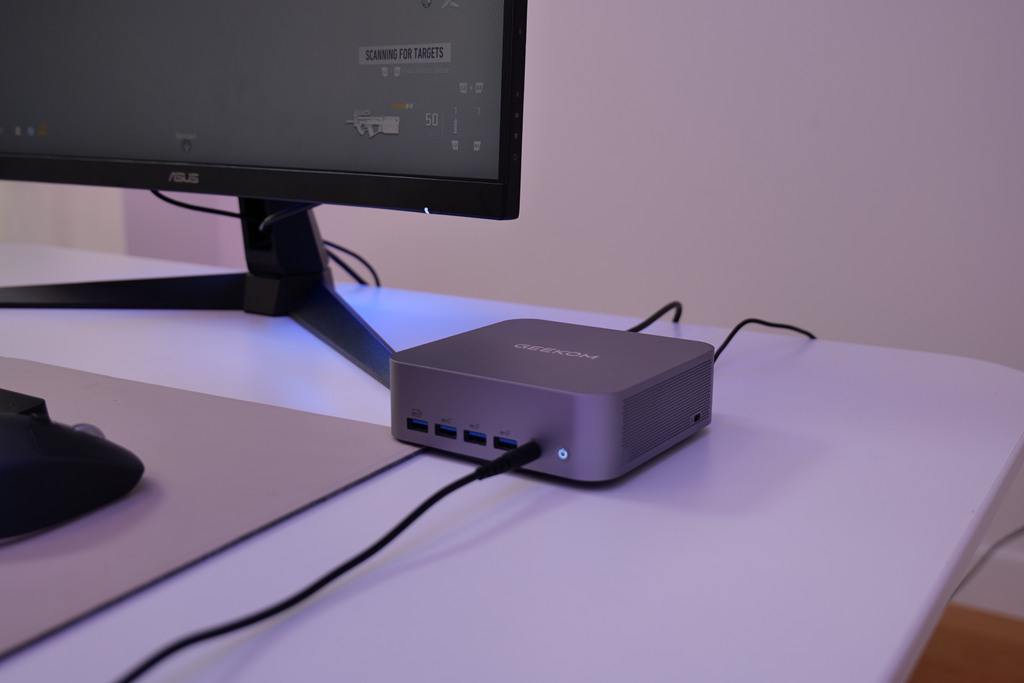
While the GEEKOM-AIR12-minipc features a built-in 3.5mm port, you may find yourself needing a headphone jack adapter to integrate specialized audio equipment into your workspace. Whether you are transitioning from older legacy hardware or upgrading to a professional XLR setup, the right adapter ensures that your compact desktop remains the central hub of your audio experience.
Common Uses for Audio Adapters on SFF PCs
- Splitter Cables: If you use a separate high-end microphone and headphones, a Y-splitter headphone jack adapter allows you to connect both into the AIR12’s single combo jack without losing signal quality.
- USB-A to 3.5mm Adapters: For those who have already filled their USB-C ports, a standard USB-A adapter provides an alternative way to plug in headsets, keeping your setup tidy and efficient.
- 6.35mm to 3.5mm Conversion: Essential for British audiophiles or musicians, this adapter lets you use studio-grade headphones with the standard 3.5mm output found on most Small Form Factor (SFF) devices.
In the UK, where home office space is often at a premium, using a compact headphone jack adapter allows you to maintain a professional audio-visual setup without the need for bulky external sound cards. It is a simple, cost-effective way to ensure your GEEKOM PC is compatible with every piece of kit in your arsenal.
Here’s a video on YouTube to better explain 5 types of audio jack we use in daily life:
Common Problems and Solutions
Jack sockets are primarily used for basic audio playback and do not offer advanced features. For example, they do not offer digital signal processing or high-resolution audio codecs. Additionally, these jacks can become loose or damaged over time, resulting in intermittent audio issues.
1. Unstable Connection or No Sound
Due to wear, dirt, or a jack incompatibility, the connection can be unstable in a mini PC. To resolve this type of issue:
- Check that the headphone jack or headphone plug is not visibly damaged;
- Gently clean the port with a small brush or compressed air to remove debris;
- Make sure the volume is turned up and not muted;
- Try another cable to make sure the problem is not with the cable itself;
- Make sure the cable is fully inserted into the AUX port.
2.Jack Plug Wear and Durability in Audio Equipment
Factors contributing to wear are frequent plugging and unplugging. To prevent wear and promote durability, use a can of compressed air or a soft brush to clean it gently.
3. Troubleshooting
If you are having trouble getting your microphone to work on a mini PC, there are a few things you should make sure of:
- Are you using the correct outlet?
- Is your microphone adequately connected;
- Do you configure the computer’s audio settings correctly?
- You should also clean the jack and replace any faulty cables and accessories.
Wired or Wireless? The Future of Audio Jacks in 2026
As technology advances, the landscape of audio connectivity is being reshaped by digital signals and wireless innovation. While traditional analogue audio jacks and plugs remain a reliable standard, there is a clear shift towards digital interfaces such as USB-C and Lightning.
Wireless audio—led by Bluetooth earbuds and headphones—is surging in popularity across the UK for its sheer convenience and cable-free flexibility. However, for British audiophiles and industry professionals, wired headphones remain the gold standard. The demand for high-fidelity sound and near-zero latency means physical connections are still essential in high-end setups.
In the professional sphere, equipment like audio mixers and interfaces will continue to bridge the gap, featuring a hybrid of analogue and digital ports. The classic quarter-inch phone jack remains a non-negotiable staple in the music industry; its rugged reliability and versatility ensure it stays at the heart of recording studios and live venues for years to come.
Ultimately, the evolution of the audio jack will be driven by a balance of user preference and technical breakthrough. As we look ahead, we can expect to see even more refined, integrated solutions that cater to both the casual listener and the dedicated sound engineer.
Conclusion
The 3.5 mm and 6.35 mm headphone jacks facilitate both audio input and output in a mini PC. They mainly handle analogue audio signals. These are traditional sound transmission methods suitable for a wide range of audio devices. So, it’s beneficial to understand their usefulness or how to integrate them into your device!